Article ID Code:GK-SYS-4
Note:
It is recommended to use the GEEKOM original factory system. The systems provided on the GEEKOM technical support website are also authorized by Microsoft. Compared to the system provided directly by Microsoft, the GEEKOM system offers better compatibility with GEEKOM devices, features simpler installation, and does not require additional driver installation.
GEEKOM devices support activation of Windows 11 Pro by default. Reinstalling the system will not void the activation, provided it is the same edition of the operating system.
Pure System download
- Open the browser and enter the web address “https://www.microsoft.com/en-us/software-download/windows11”
-
Create a Windows 11 installation and click “Download Now”
-
Double click to run the downloaded tool”mediacreationtool”
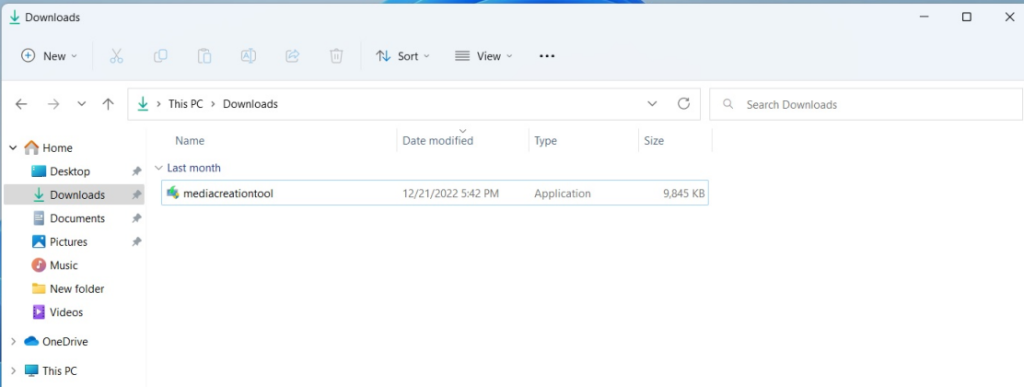
-
Click “Accept”
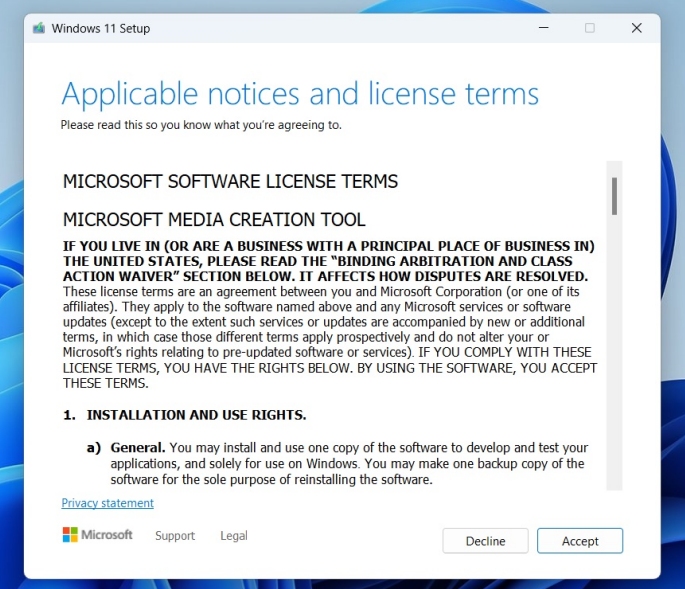
-
Click”Next”
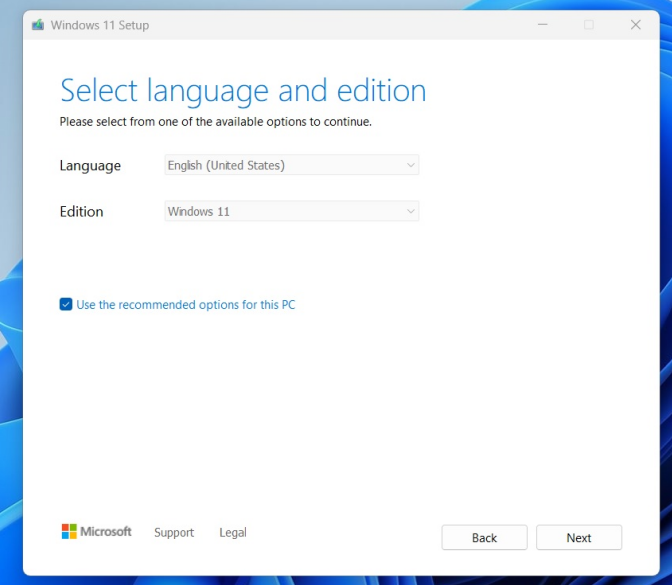
- Select the media to use — default USB flash drive
-
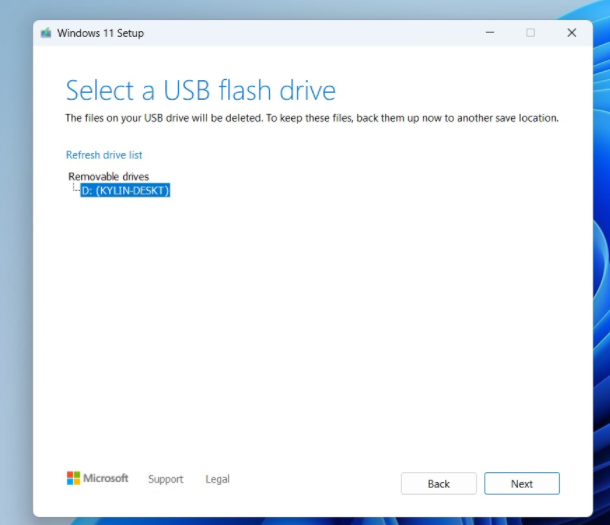
Save the USB flash disk data and insert the USB flash disk (with a capacity greater than 16GB),Click “Next”
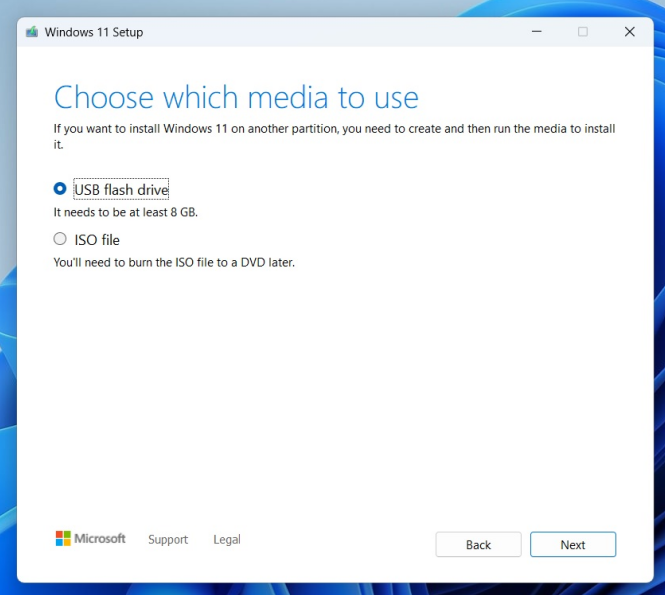
-
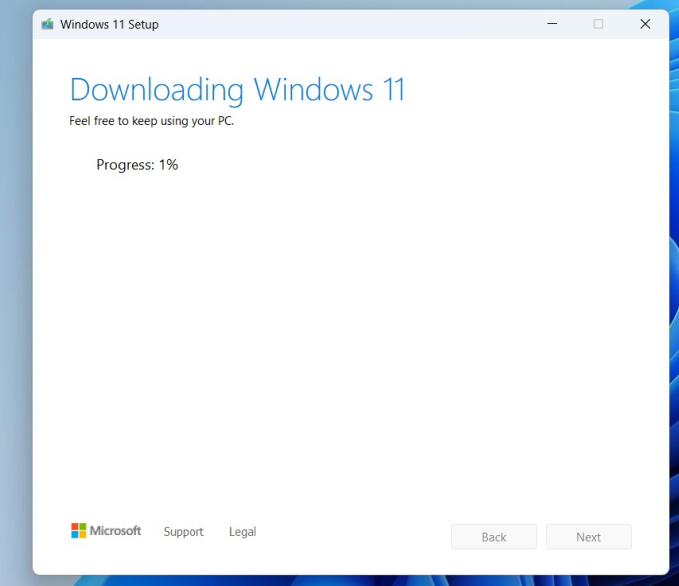
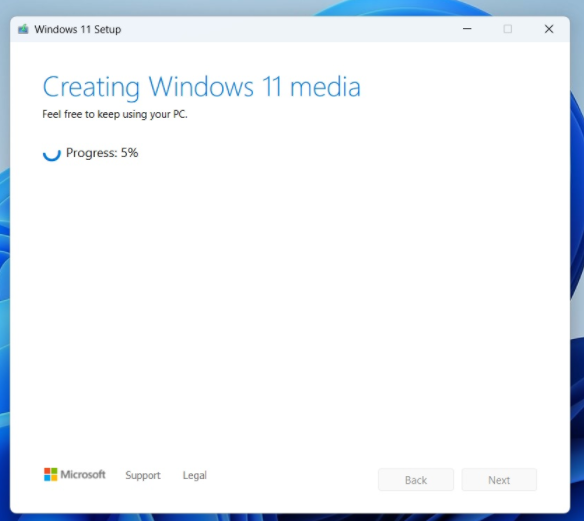
The system image is being produced, which takes about 1 hour
-
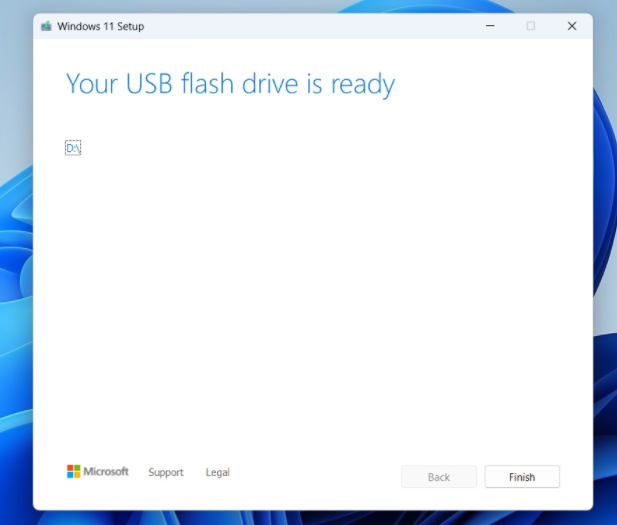
Click Finish to complete the system image.
Thank you for watching. If there are any mistakes, your corrections are welcome.
Comments
0 comments
Article is closed for comments.